Office Cleaning Checklist & Tracker
0%
Key Takeaways for a Cleaner Workspace
- Focus on high-touch surfaces first to kill germs.
- Use a "top-down" approach to avoid cleaning the same spot twice.
- Separate digital decluttering from physical cleaning.
- Establish a 5-minute daily habit to prevent massive weekend cleanups.
The High-Impact Zone: Desks and Workstations
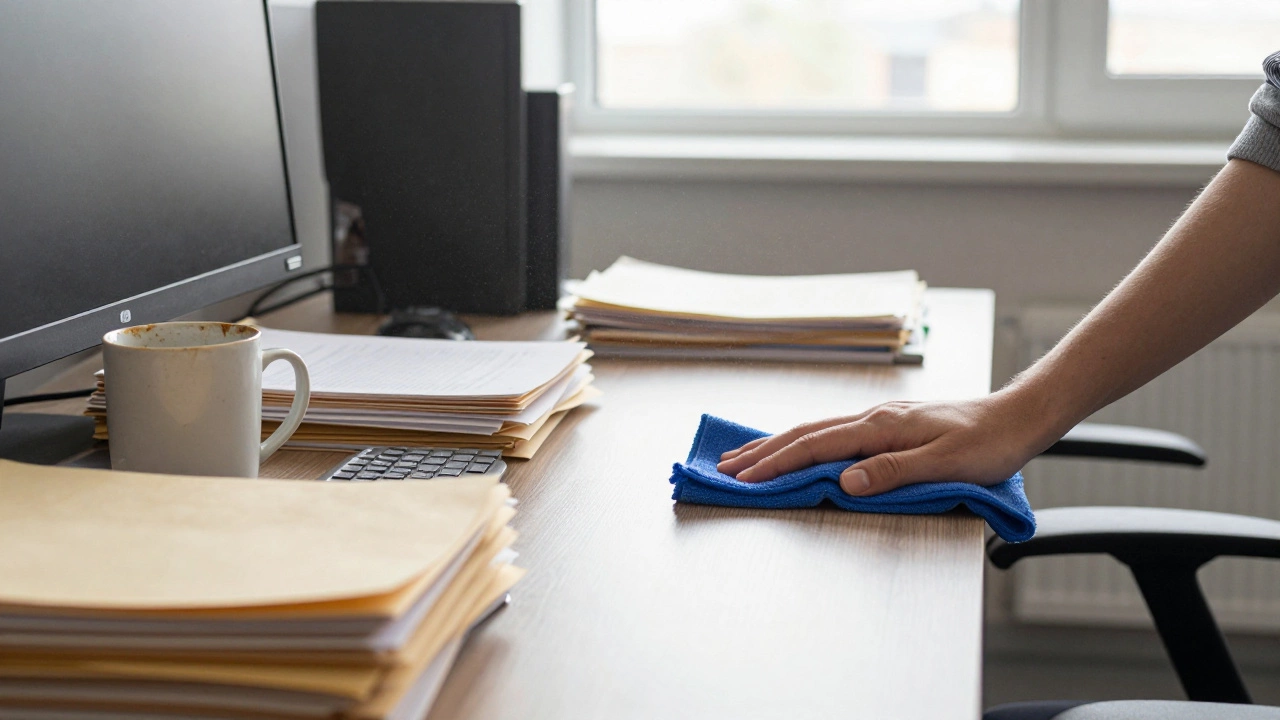
Your desk is where you spend 90% of your time, yet it is often the dirtiest place in the building. Think about it: you eat lunch there, touch your phone, and lean your arms on the surface all day. To start, clear everything off the surface. Don't just wipe around the stapler; move it.
When it comes to the actual cleaning,
Microfiber Cloths is
a synthetic gliding fabric designed to remove dust and dirt without scratching surfaces. Use one dampened with a mild detergent for the hard surfaces. For your electronics, avoid spraying liquid directly onto the screen. Instead, use a
Isopropyl Alcohol solution (usually 70%) on a cloth to wipe down your keyboard and mouse. These two items are essentially germ magnets. If you have a mechanical keyboard, use a can of compressed air to blow out the crumbs and dust trapped under the keys.
Tackling the Shared Spaces: Kitchens and Breakrooms
The office kitchen is usually the most neglected area because everyone assumes "someone else" will do it. To get this under control, start with the fridge. If a container has been there for more than two weeks and no one knows who owns it, toss it.
Focus on the
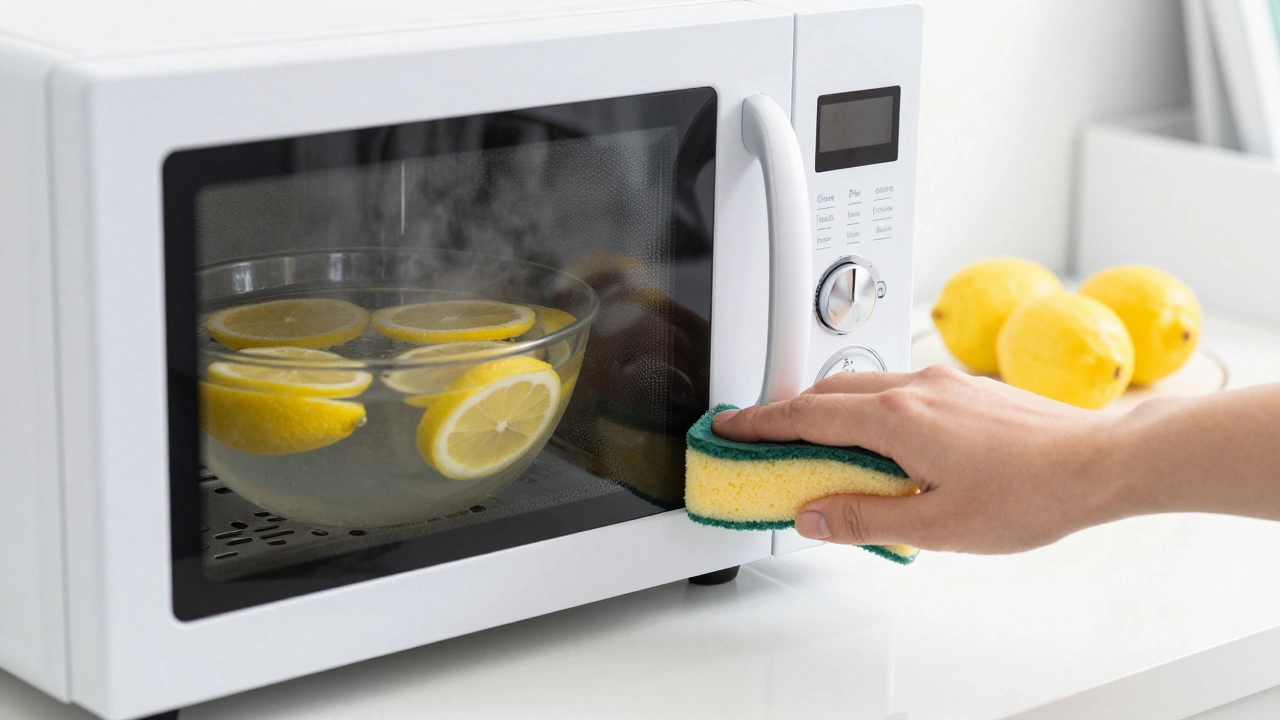
Coffee Machine, which is often a hotbed for mold and lime scale. Deep clean the drip tray and run a descaling cycle. For the countertops, use a non-abrasive cleaner to avoid scratching the surfaces. Don't forget the microwave-the easiest trick here is to heat a bowl of water with lemon slices for three minutes; the steam loosens the dried-on food, making it easy to wipe away without scrubbing for an hour.
| Zone | Primary Tool | Cleaning Agent | Frequency |
|---|---|---|---|
| Desk/Keyboard | Microfiber Cloth | Isopropyl Alcohol | Daily/Weekly |
| Kitchen/Breakroom | Sponge/Scrubber | Multi-surface Degreaser | Daily |
| Floors/Carpets | HEPA Vacuum | Carpet Shampoo | Weekly |
| Windows/Glass | Squeegee | Glass Cleaner/Vinegar | Monthly |
Floors and Air Quality
Dust doesn't just sit on your desk; it settles into the carpet and floats in the air. If you're using an old vacuum with a cheap filter, you're likely just pushing dust back into the room. Switch to a
HEPA Filter Vacuum, which is
a high-efficiency particulate air filter capable of trapping 99.97% of dust, pollen, and mold. This is especially important in offices with old carpets that trap allergens.
If you have hard floors, avoid using overly soapy water, as it leaves a sticky residue that actually attracts more dirt. A simple mix of warm water and a small amount of neutral pH cleaner is usually enough. For the corners and edges of the room, use a long-handled duster to clear spiderwebs and accumulated dust before you start vacuuming. This ensures that the dust gets sucked up rather than pushed around.
The Art of Office Decluttering
You cannot clean your way out of a clutter problem. If you have 500 loose papers on your desk, a clean desk doesn't matter because the mess is still there. The goal here is office cleaning that integrates organization.
Use the "Three-Pile System": Keep, Archive, and Trash. If you haven't looked at a document in six months, it probably belongs in the archive (or the shredder). Invest in a
Document Shredder to handle sensitive data securely. For the smaller items-pens that don't work, old batteries, dried-up highlighters-get rid of them immediately. A simple desk organizer with specific slots for each item prevents the "junk drawer" effect from happening on your desktop.
Dealing with High-Traffic Touchpoints
Think about the things everyone touches but nobody cleans: doorknobs, light switches, the buttons on the elevator, and the handle of the communal kettle. These are the primary vectors for colds and flu in a workplace.
Use a disinfectant wipe or a spray with at least 60% alcohol. The secret is the "dwell time." Most people spray and immediately wipe. However, for a disinfectant to actually kill the germs, the surface needs to remain wet for a specific amount of time (usually 30 seconds to 2 minutes, depending on the brand). Read the label and let the product actually do its job before you wipe it away.
Setting Up a Sustainable Maintenance Schedule
The biggest mistake people make is doing one massive "deep clean" every six months. This is exhausting and inefficient. Instead, break it down into a rhythm.
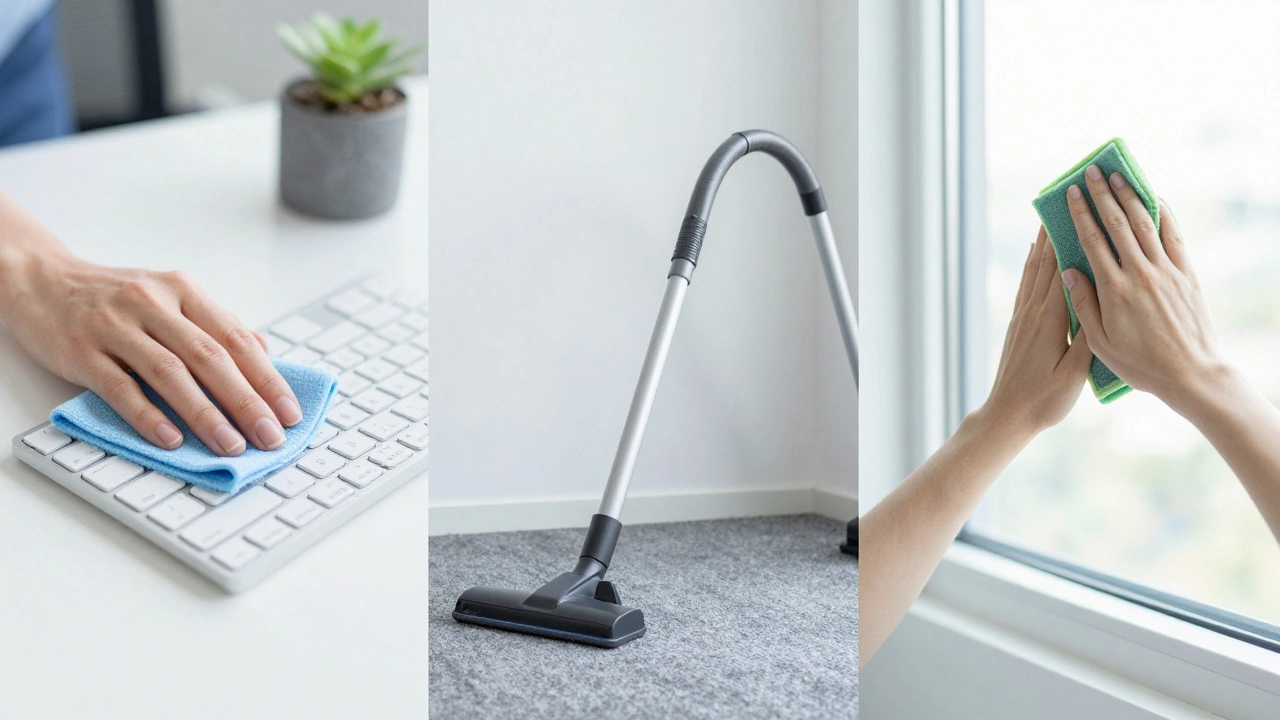
Daily: Clear your desk of trash, wipe down your keyboard, and put your dishes in the dishwasher.
Weekly: Vacuum the main walkways, empty all waste bins, and dust the shelves.
Monthly: Clean the windows, deep clean the fridge, and wipe down the baseboards.
By treating it as a routine rather than a chore, you avoid the stress of a messy environment. If you manage a larger team, consider a rotating "kitchen duty" or hiring a professional service for the heavy lifting while the staff handles their individual workstations.
How often should I deep clean my office?
A full deep clean-including windows, baseboards, and carpet shampooing-should happen every 3 to 6 months. However, high-touch areas like keyboards and kitchen counters should be cleaned daily to prevent germ buildup.
What is the best way to clean a computer screen?
Never use glass cleaner or ammonia-based products on a monitor, as they can strip the protective coating. Use a dry microfiber cloth for dust. For smudges, lightly dampen the cloth with distilled water or a specialized screen cleaning solution.
How do I get rid of office smells?
Most office smells come from the kitchen (old food) or old carpets. Start by cleaning the fridge and emptying the bins daily. For carpets, a sprinkle of baking soda left for 30 minutes before vacuuming can neutralize odors.
Is it better to hire a professional or clean it ourselves?
It depends on the size of the office. For small teams, a shared cleaning schedule works well. For larger companies, a professional service is better because they have industrial-grade equipment like floor buffers and HEPA vacuums that remove deeper grime.
What are the most forgotten areas to clean in an office?
Air vents (which collect dust and affect air quality), the tops of monitors, light switches, and the area behind the printer are the most commonly missed spots.
Next Steps and Troubleshooting
If you find that your office gets dirty again within 48 hours of cleaning, you likely have a "dust source." Check your air filters or see if there are gaps in the window seals letting in outdoor pollutants.
For those struggling with paper clutter, start by digitizing your files using a scanner. Once the physical paper is gone, the cleaning process becomes significantly faster. If you are managing a team, try a "Clean Desk Friday" where everyone spends the last 15 minutes of the week resetting their workspace for Monday morning. It ensures a fresh start and prevents the Sunday-night stress of facing a mess.